
Glide Changelog V.2026.2.17
1771369231863
Updates:
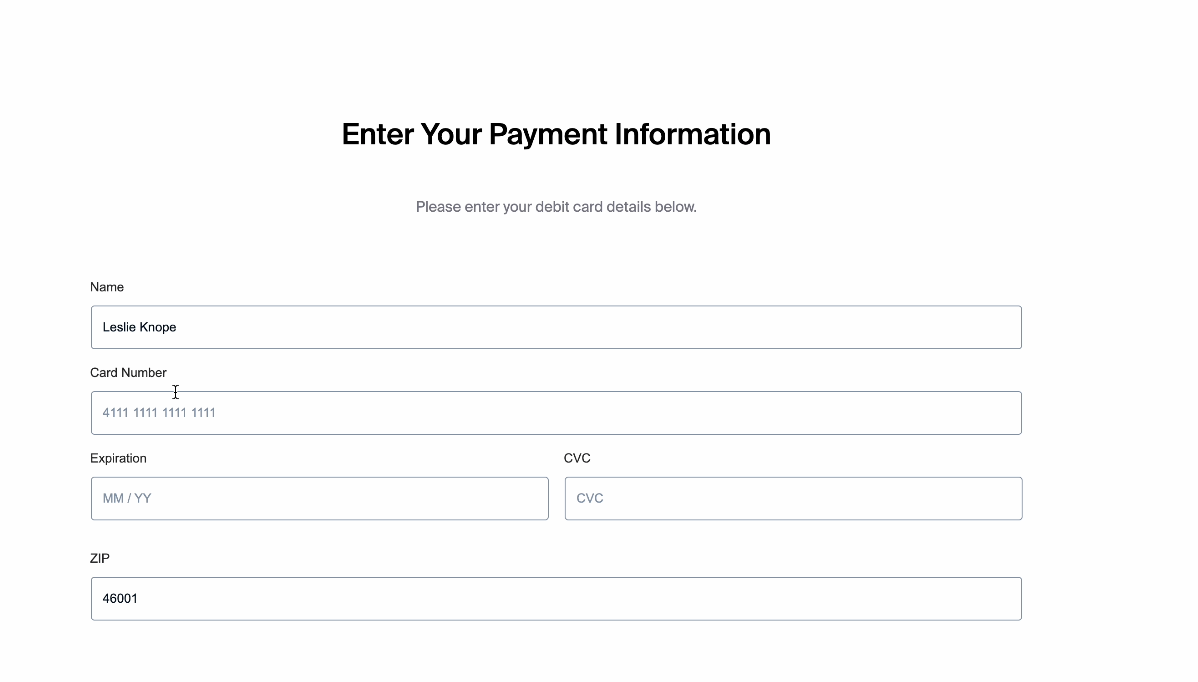
Pre-filled Applicant Information: Applicant name and zip code are now automatically pre-filled during the member flow funding experience, reducing manual entry and improving the application experience.
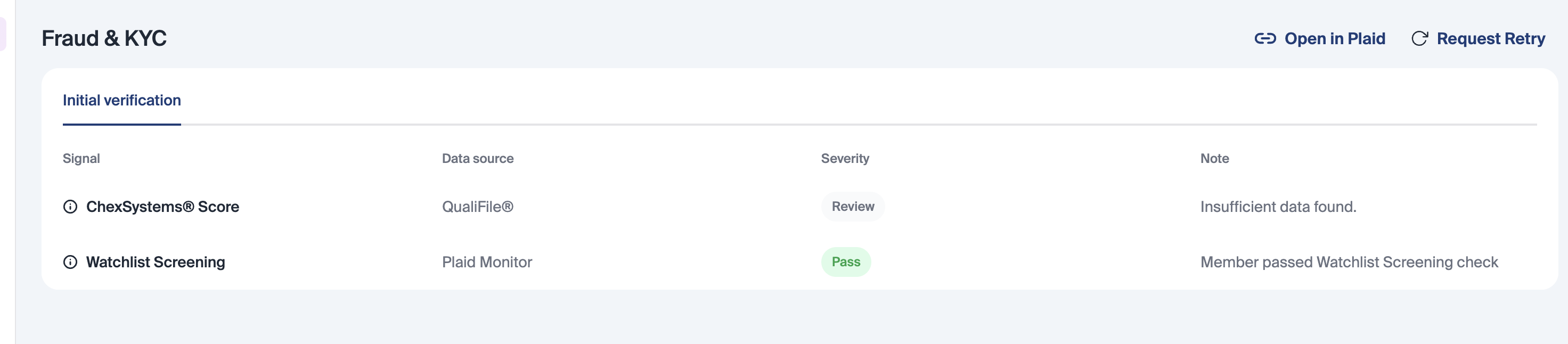
QualiFile Decline Reason Display: QualiFile decline reasons are now surfaced directly on the application dashboard in the note column in the Fraud & KYC table, giving staff clearer visibility into declined applications without needing to dig into additional systems.
Role Details on Click: Clicking a role name now opens the role details view directly, streamlining navigation within the permissions and user management experience.

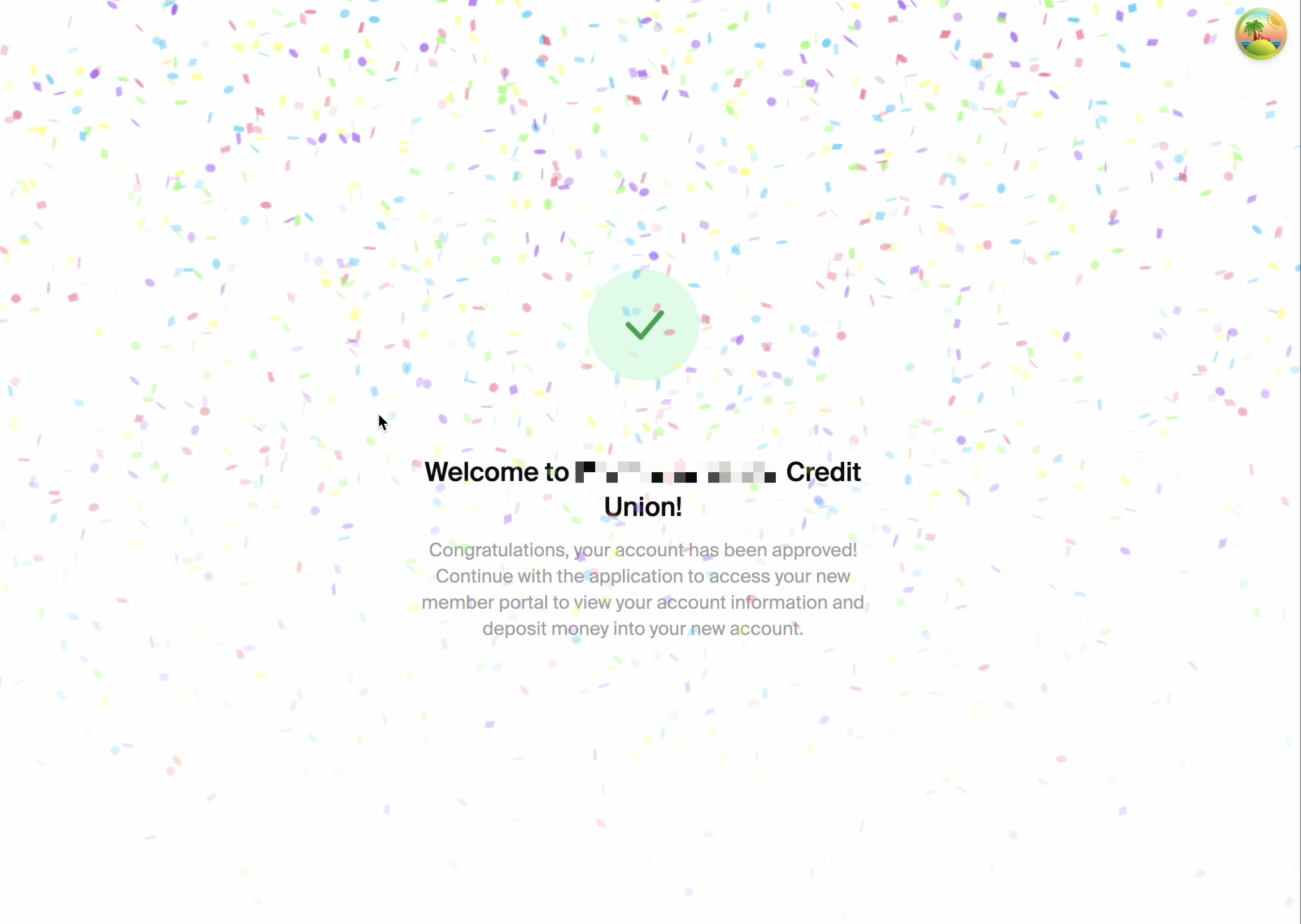
Confetti Animation on Auto-Approval: A confetti animation now plays on the membership auto-approval screen, adding a celebratory moment to the approval experience.
"Pre-Glide" Channel Filter in Reporting: Pre-Glide has been added as a channel filter option within reporting, allowing for more granular filtering and analysis across channel-specific reports.
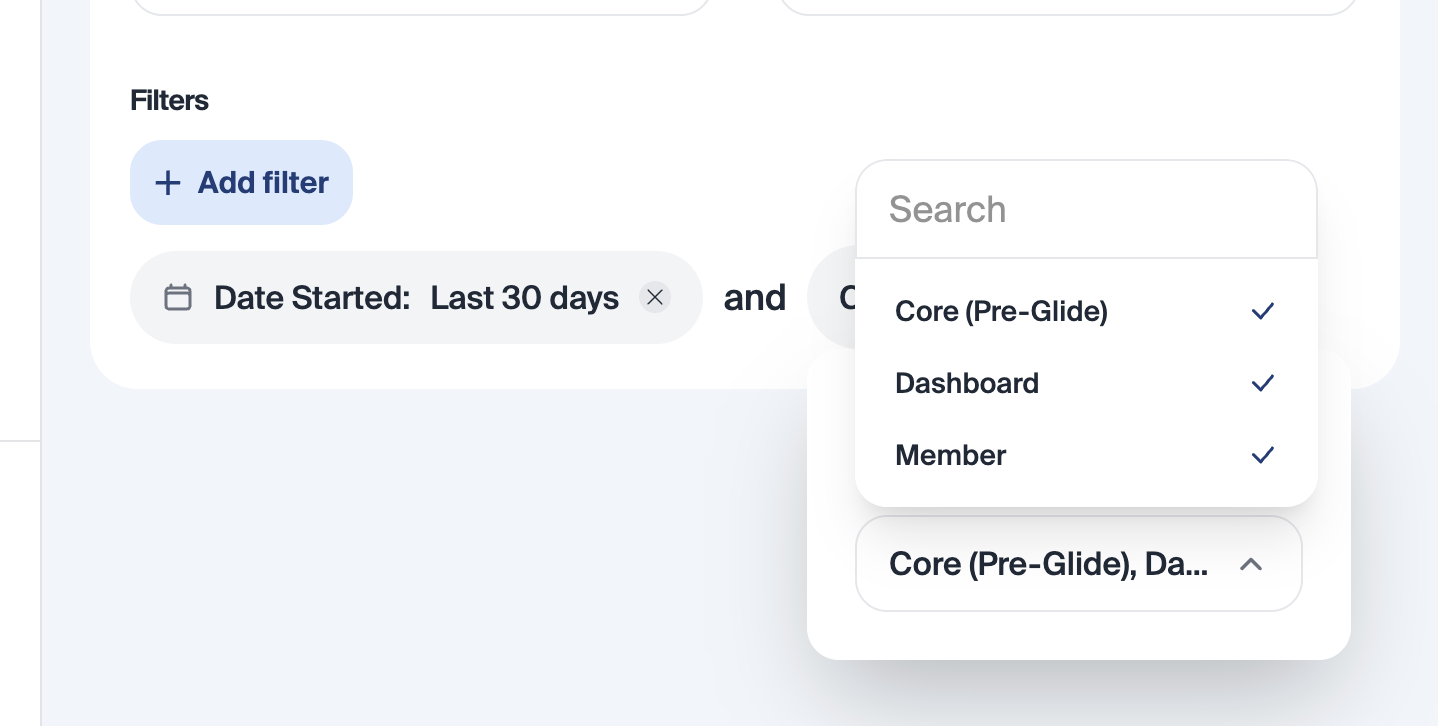
Channel Filter on Pre-Built Reports: A channel filter is now available on pre-built reports, making it easier to segment and review report data by channel without building custom reports.
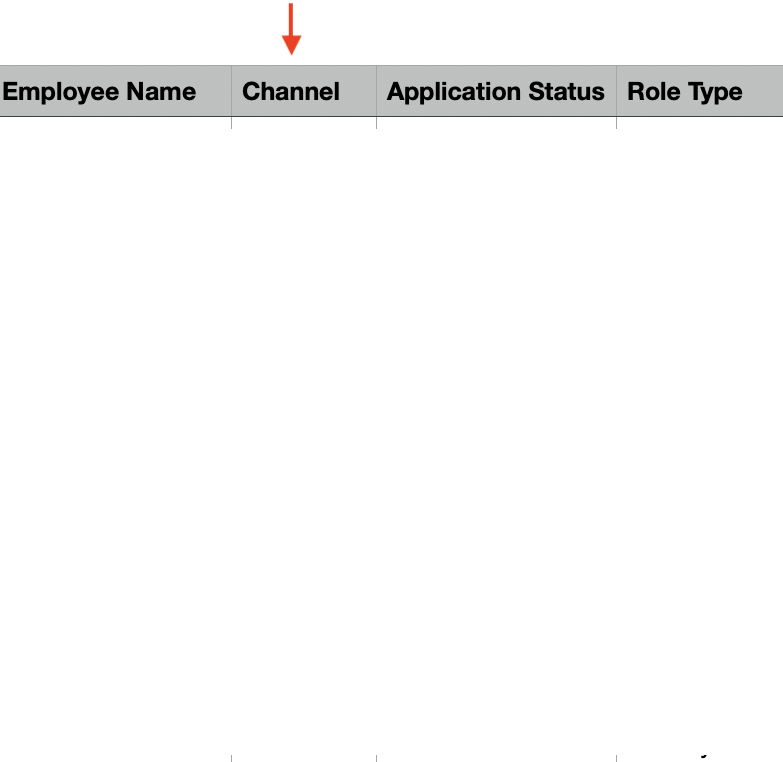
Auto-Check OLB Onboarding Portal Checklist: The “Set Up Online Banking” checklist item is now automatically checked if an applicant logs in to Glide via an SSO connection with an online banking provider.
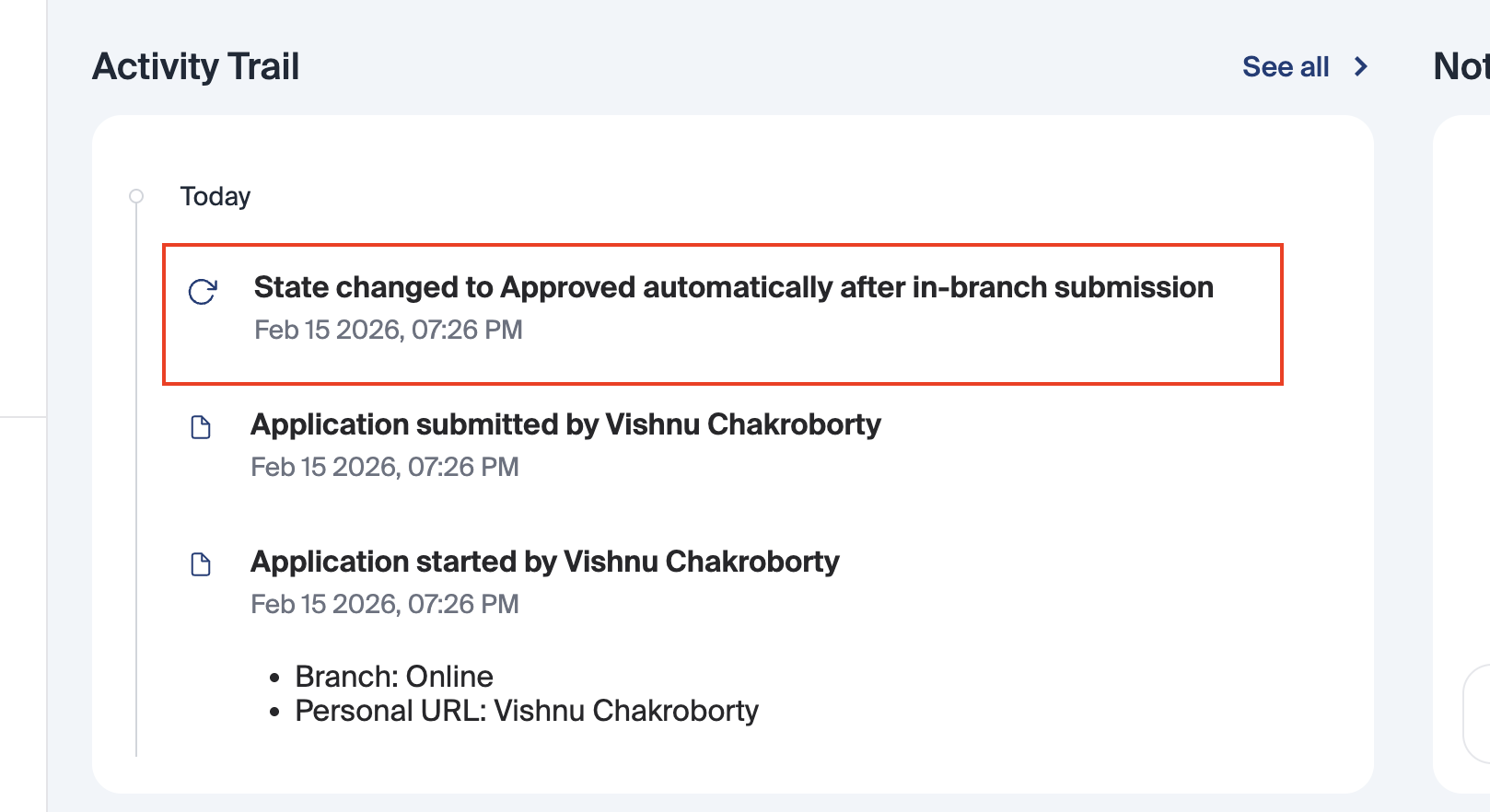
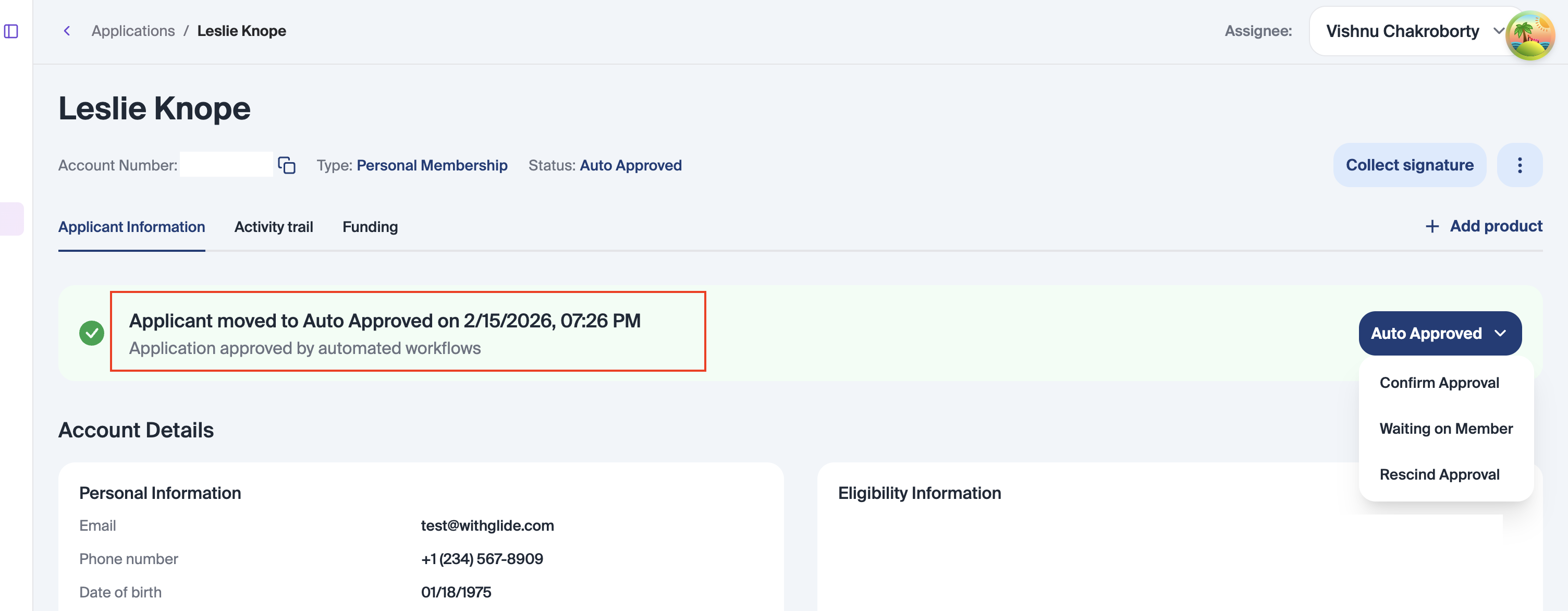
Activity Trail – Dashboard Auto-Approved State Changes: Auto-approved state changes are now captured and visible in the activity trail on the dashboard, improving audit visibility and transparency for automatically processed applications.
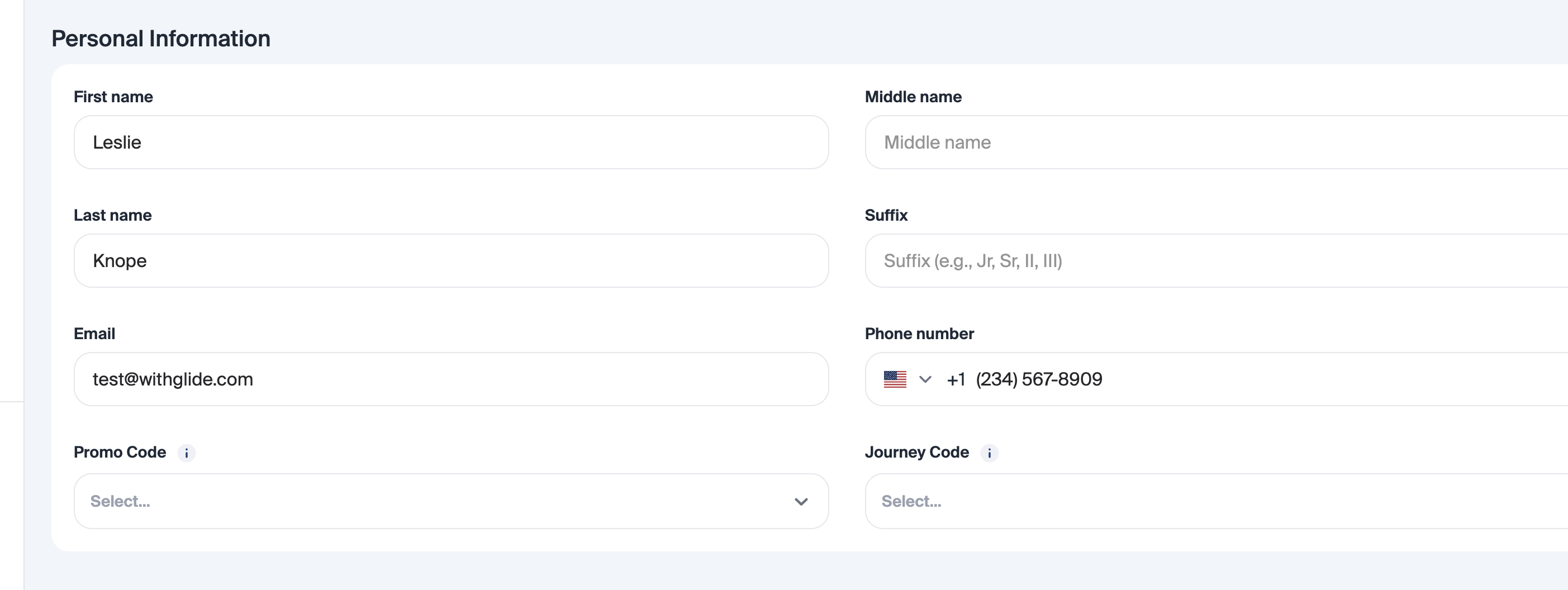
Suffix Support in Name Fields: Member name fields now support suffixes (e.g., Jr., Sr., III), ensuring accurate name capture for members who require them.
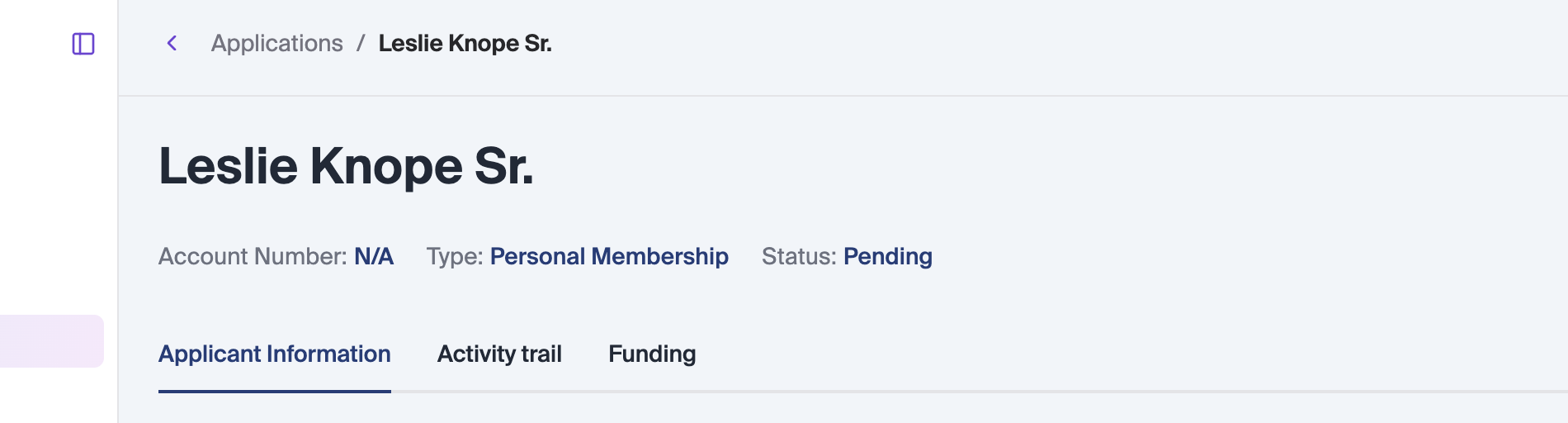
Denied Memberships Must Move to Pending Before Approval: Denied membership applications can no longer be moved directly to Approved. Staff must first move the application back to Pending, where individual shares can be reviewed and marked as Approved or Denied before final approval. Only shares marked Approved will be created in the core, preventing unintended accounts from being opened.
Upcoming Release Dates:
Staging Environments:
Product CMS (Staging): Product CMS will be released to all remaining FIs in staging on 2/18 and move to production on 3/3. Learn more here.
Production Environments:
Enhanced Columns & Filters (Production): 2/17 for all FIs. Learn more here.
Re-designed Onboarding Page(Production): 2/19 for all FIs. Learn more here.
Passkeys (Production): 2/24 for all FIs. Learn more here.
Changes for all products mentioned above will be live following our 02.17.26 deployment.
Did you like this update?


Leave your name and email so that we can reply to you (both fields are optional):
